Tuning and Refinement
In your setpoint folder on the bottom you can adjust setpoints until things are at the right height.
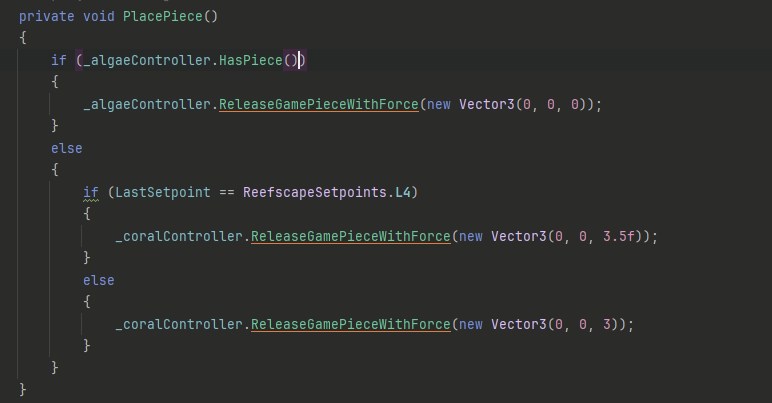
You may however notice nothing will score since we didn't set any force on the game piece when released.
Going into PlacePiece and changing them to this fixes the issue:
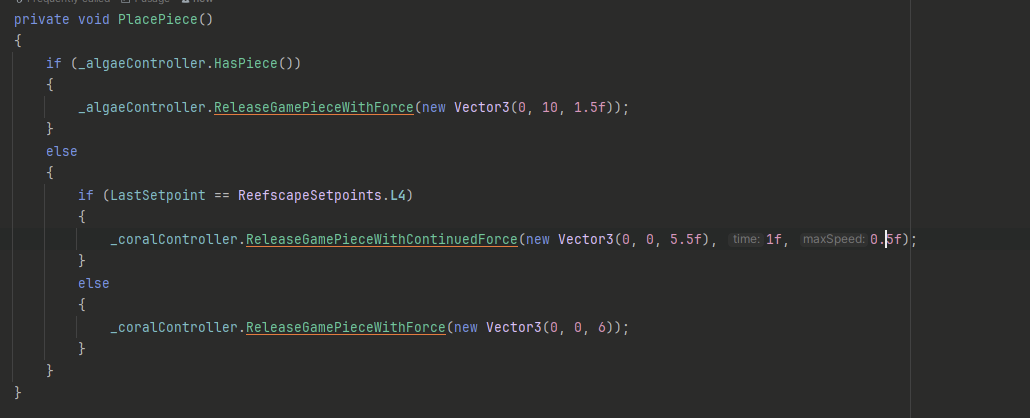
l4 on fixed outtake bots is jank. It requires a VERY arbitrary back space to work. It also uses the ContinuedForce variant of release which has a time to apply force and a maximum speed at which it should apply the fixed force value.
You may find a couple bugs while doing it, we will cover the game piece inconsistencies in a moment but first:
Algae intake needs moved,
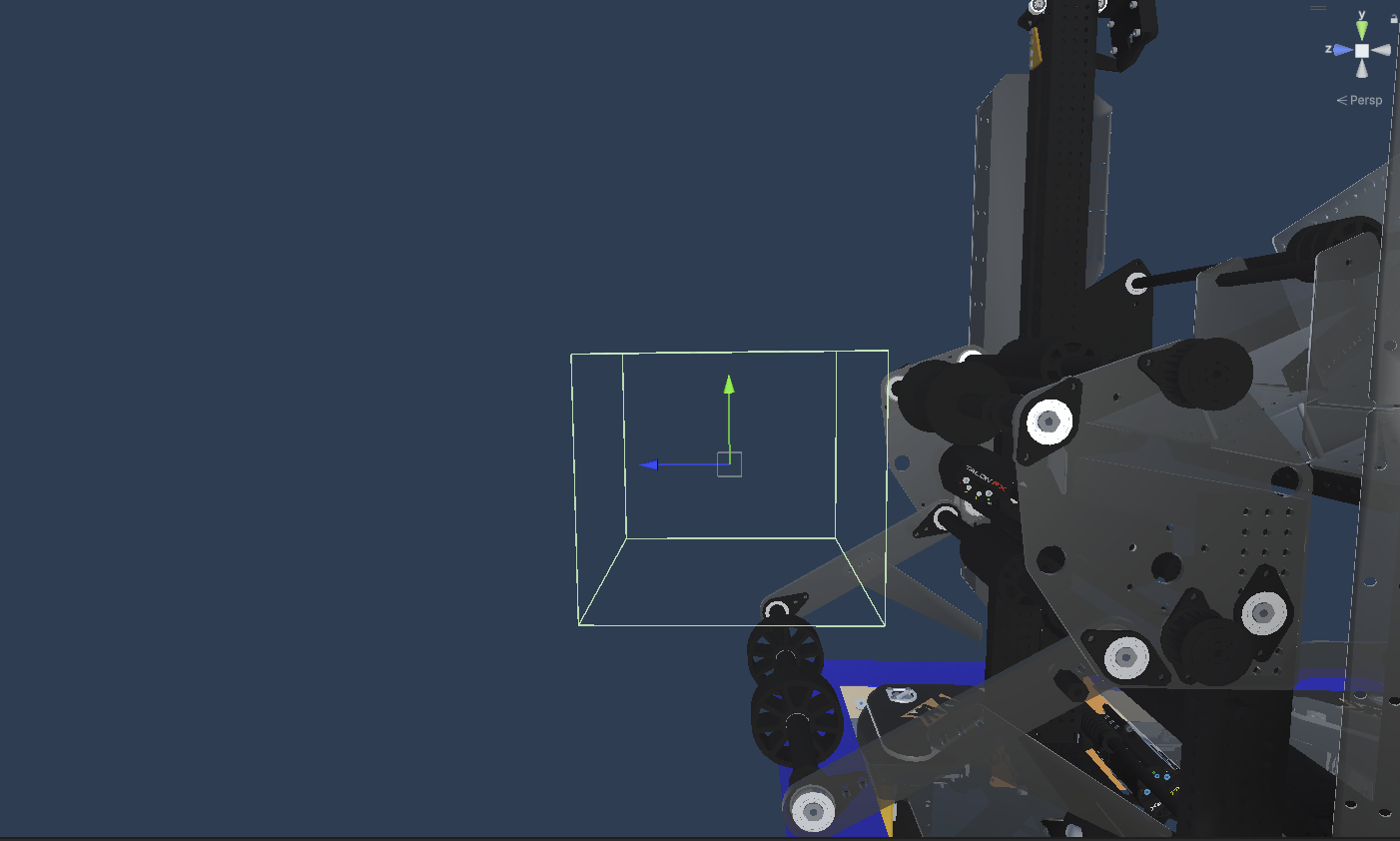
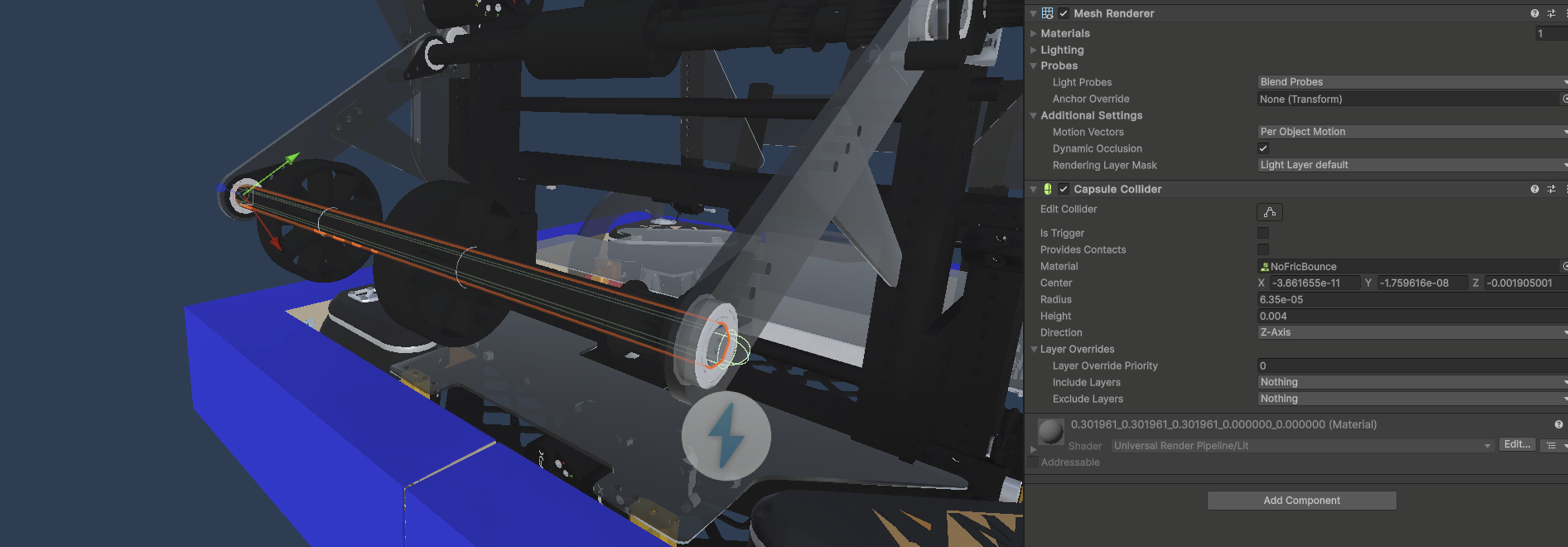
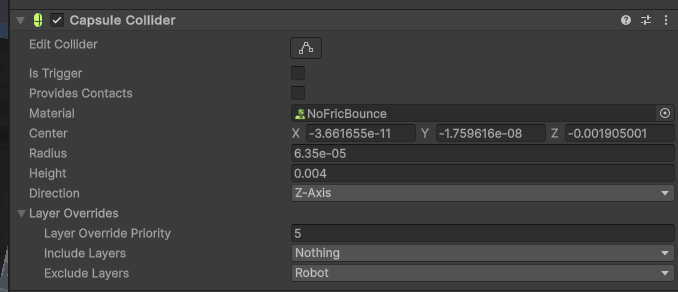
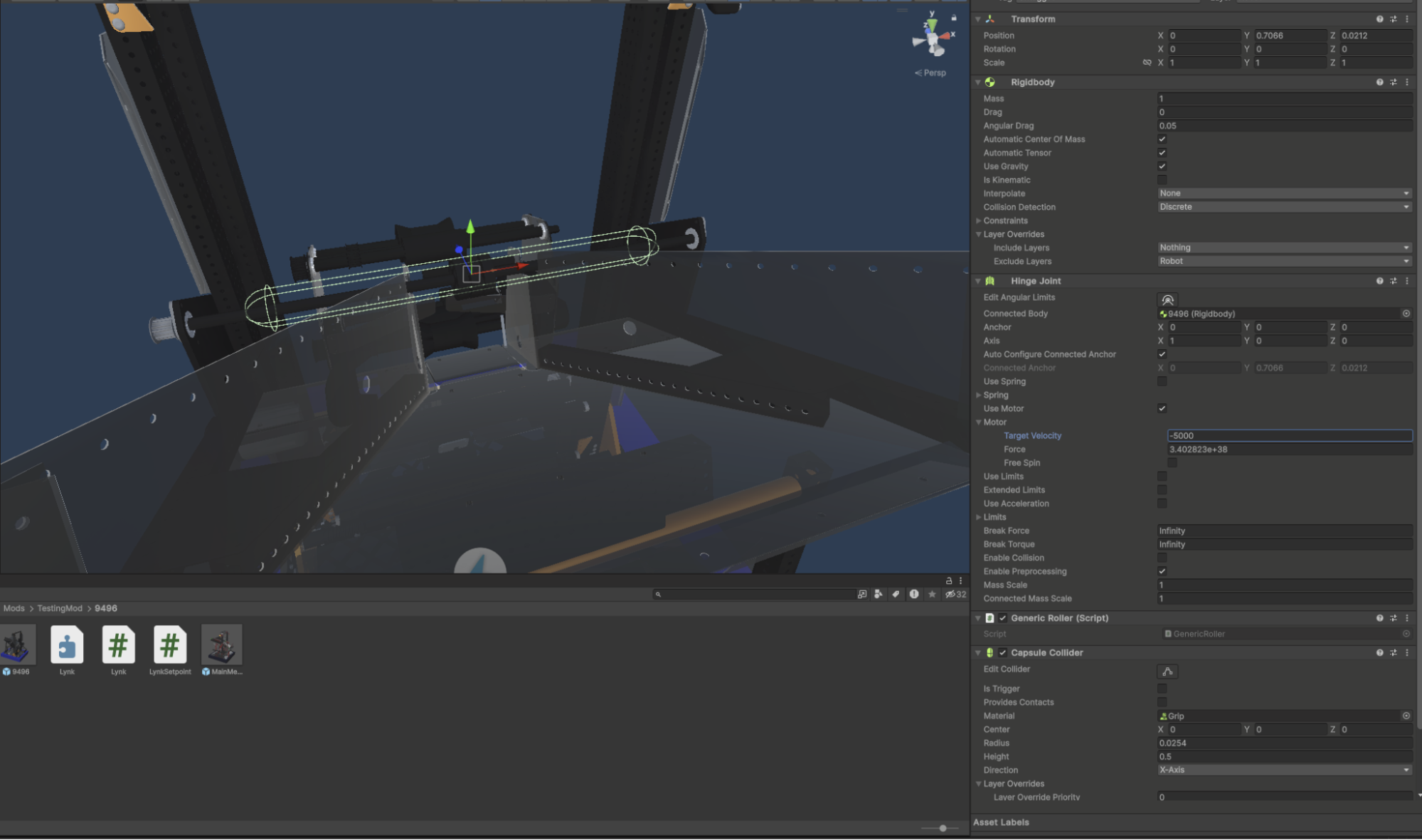
Front bar was made capsule
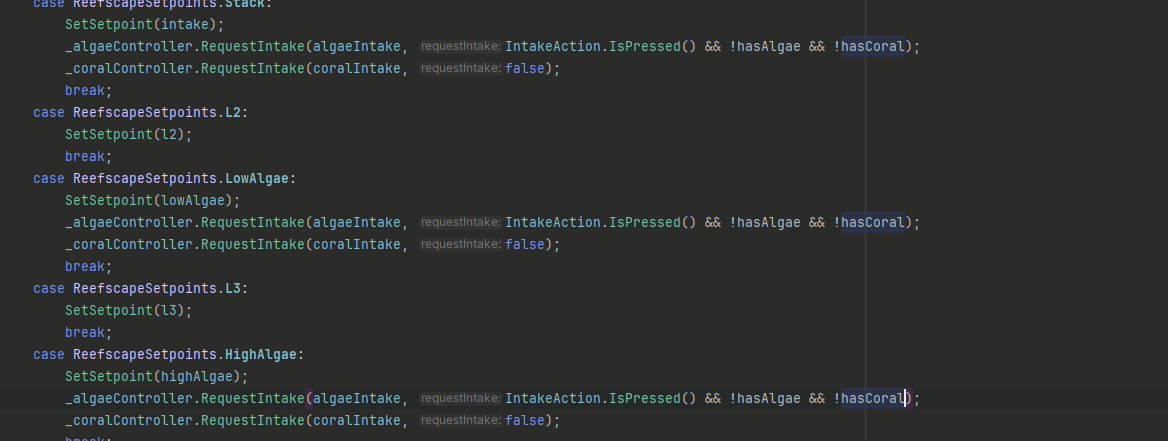
PlacePiece needs to be modified to check for algae not robot mode.
Top colliders on EE were removed
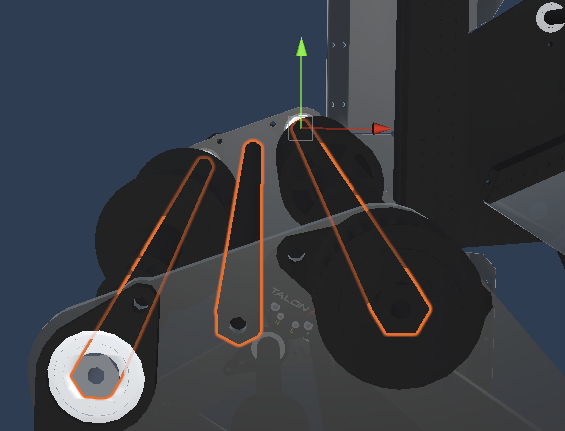
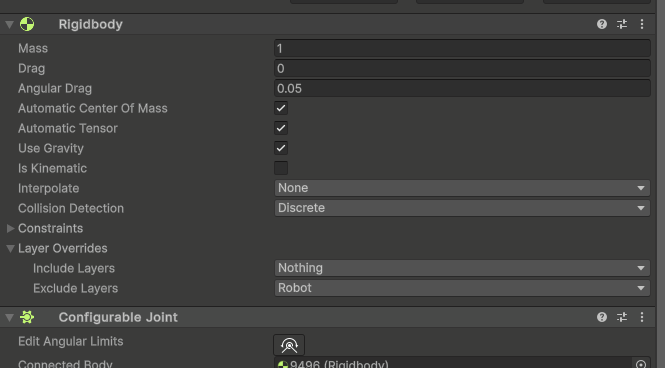
All Generic Joints needed to ignore the robot layer (drift causer)
My final setpoints:
Barge prep: 20
Barge Score: 60
High Algae: 34
Intake: 0
L1: 0 (we will worry about that later)
L2: 16
L3: 32
l4 : 55.5
l4Place: 59
LowAlgae: 17
Stow: 0
To make l4 consistent we need auto-align.
Add Reefscape Auto Align to 9496 and fill it out.
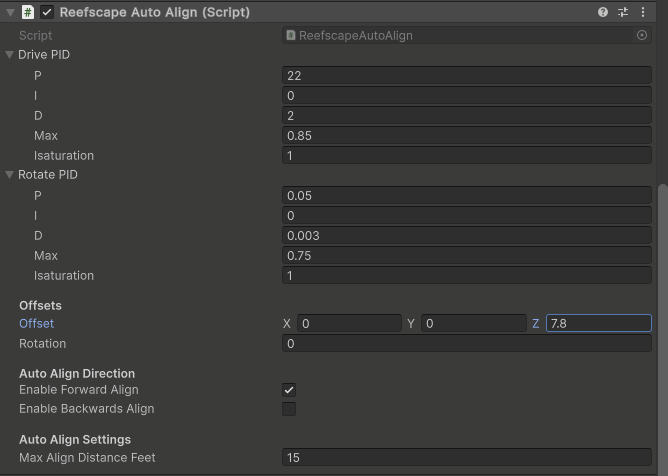
That helped but it's still bad. So
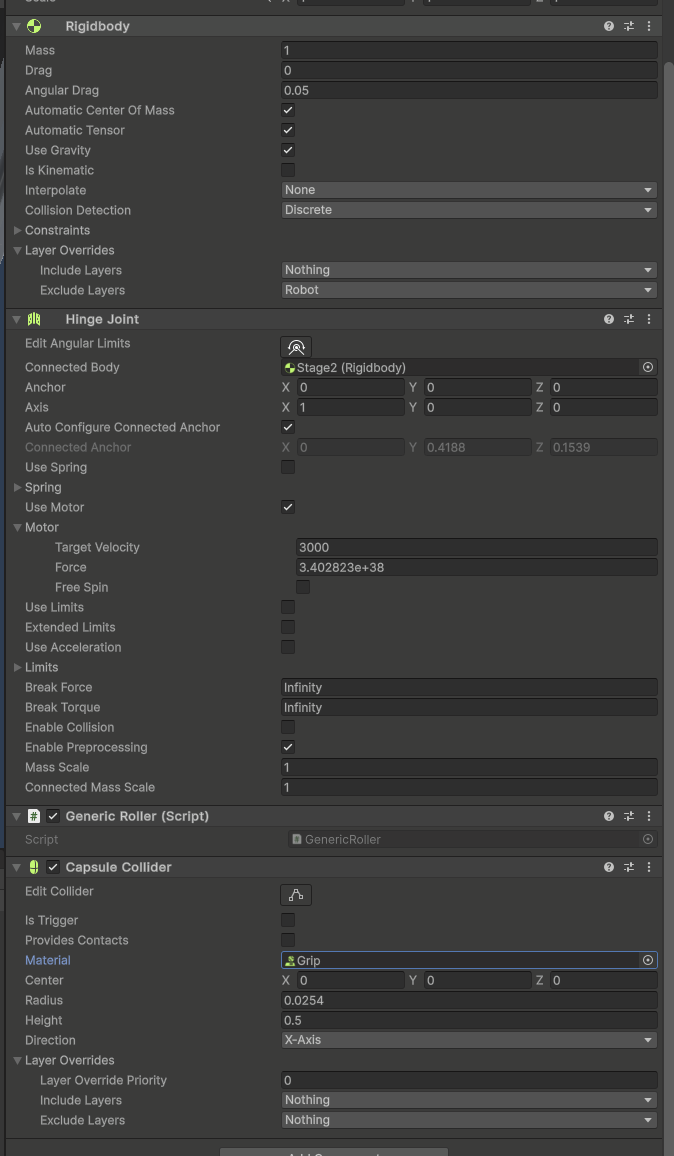
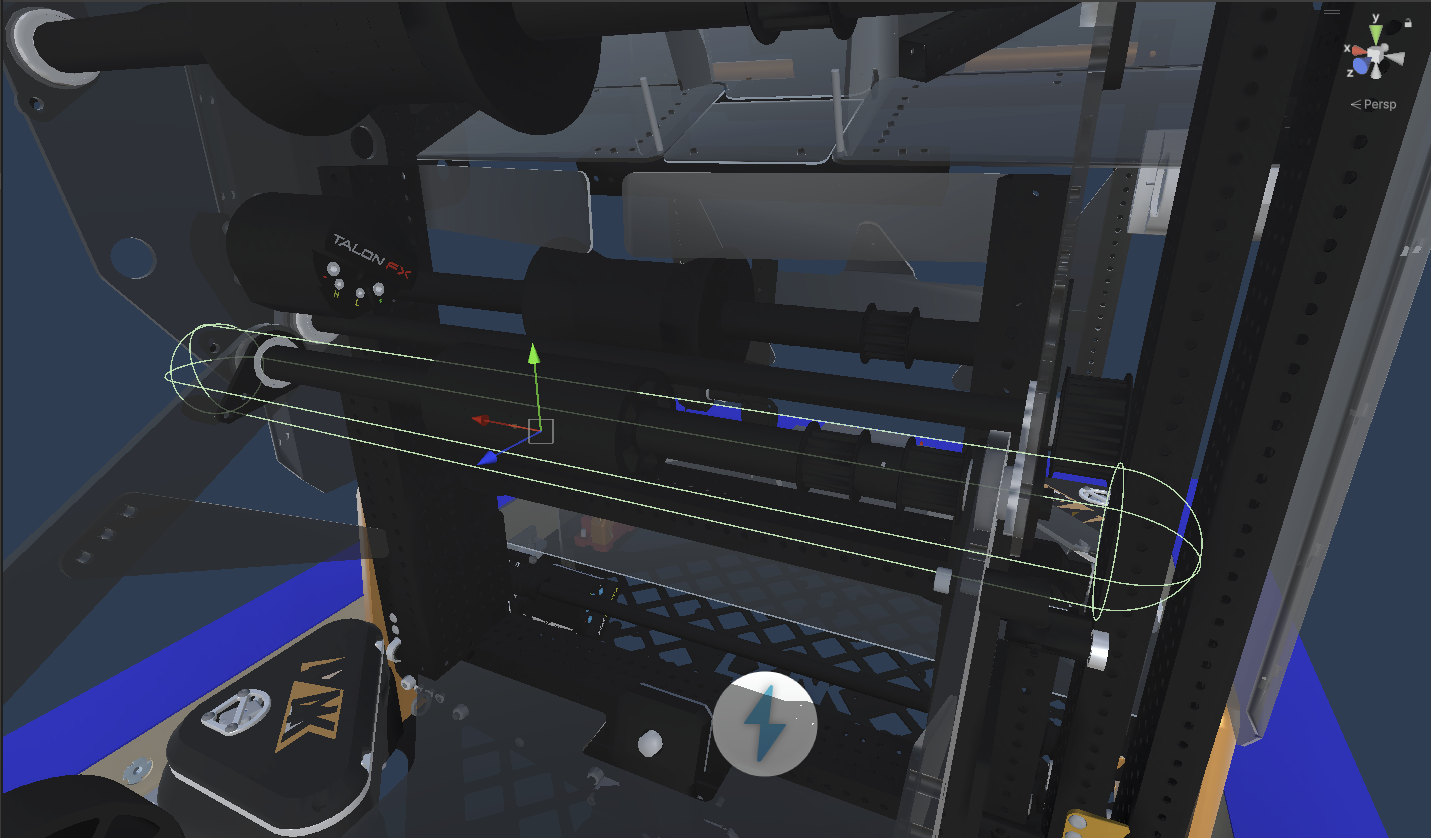
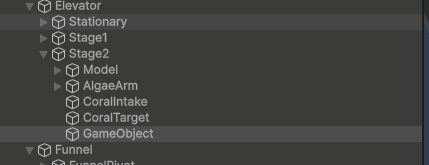
Also tell AlgaeArm to ignore coral
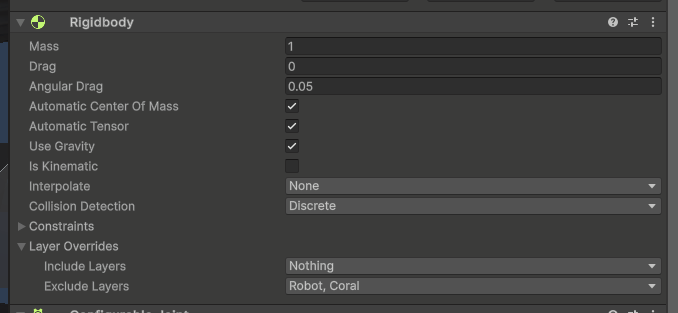
Then the front bar as well
Auto align also doesn't settle well so

Now we can fix some other things

Adjust coral intake

Make FunnelPivot and Game Object 2lbs