Codespace Setup
Visual Studio Code
Install the Unity Extension,
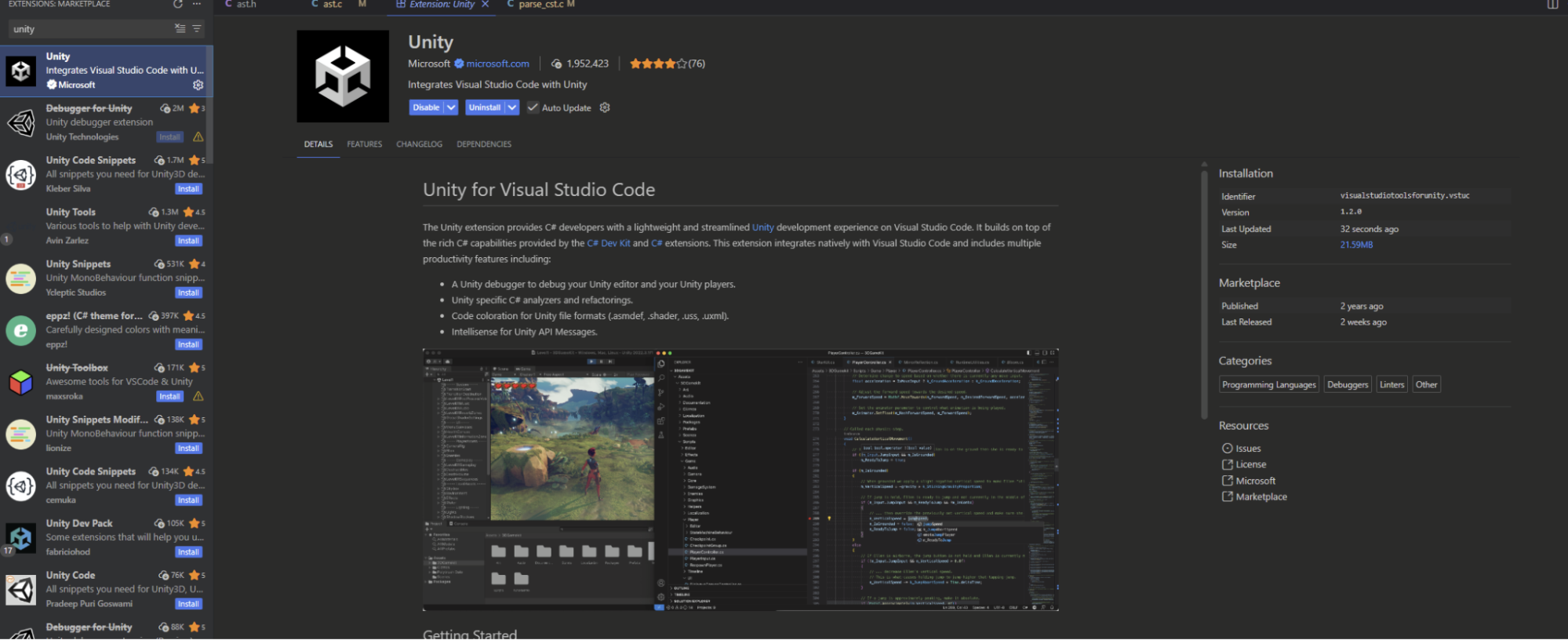
- I would also recommend a snippets extension.
Finally in Unity on the top bar, do
Edit -> Preferences -> External Script Editorthen set External Script Editor to Visual Studio Code,
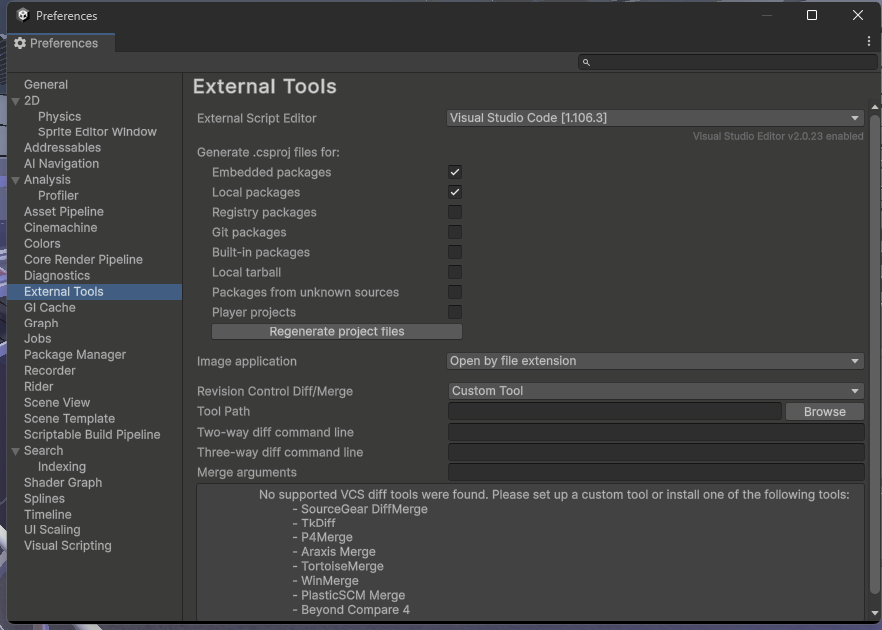
- Now by double clicking a file in the project view it will open Visual Studio Code with full syntax highlighting and auto complete
Visual Studio 2022
Open the installer and add the Game Dev with Unity workload.
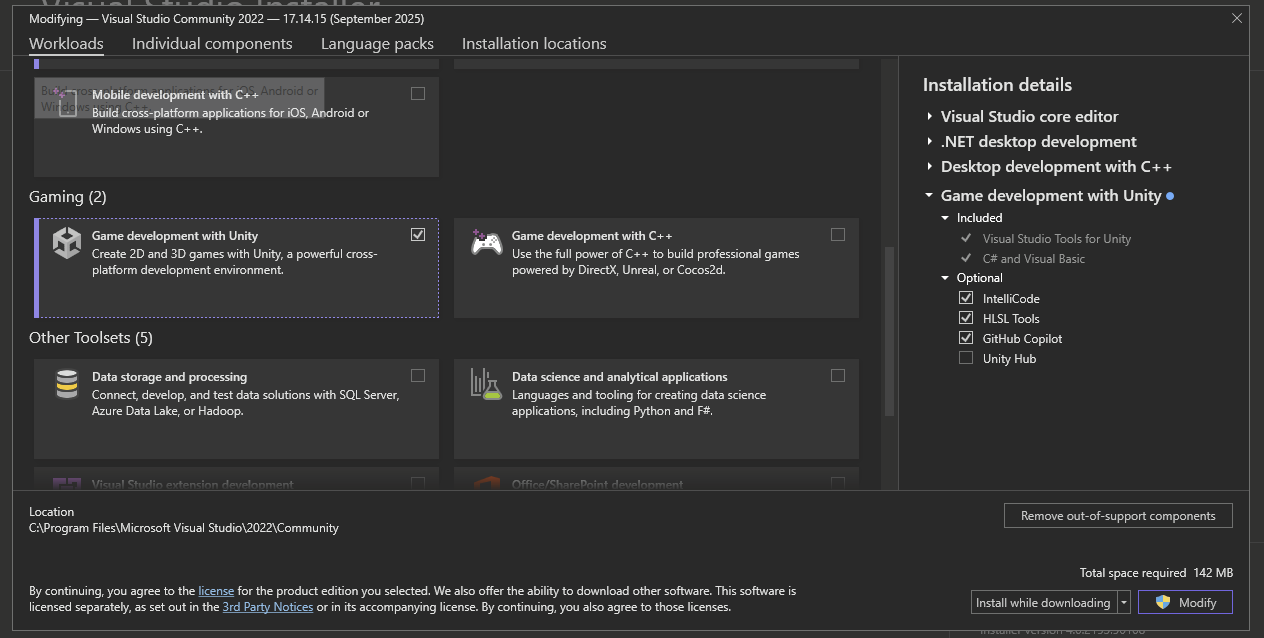
Finally in Unity on the top bar, do Edit -> Preferences -> External Script Editor then set External Script Editor to Visual Studio 2022,
Now by double clicking a file in the project view it will open Visual Studio with full syntax highlighting and auto complete
Rider
Rider has a free non-commercial and Student license. The team Highly recommends this for the best experience.
Simply go to Unity on the top bar, then Edit -> Preferences -> External Script Editor then set External Script Editor to Rider,
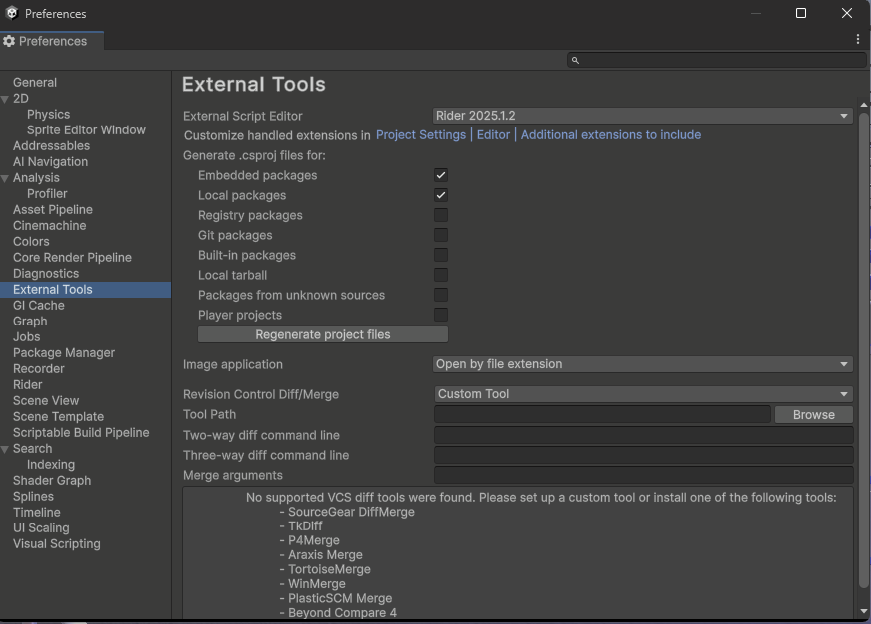
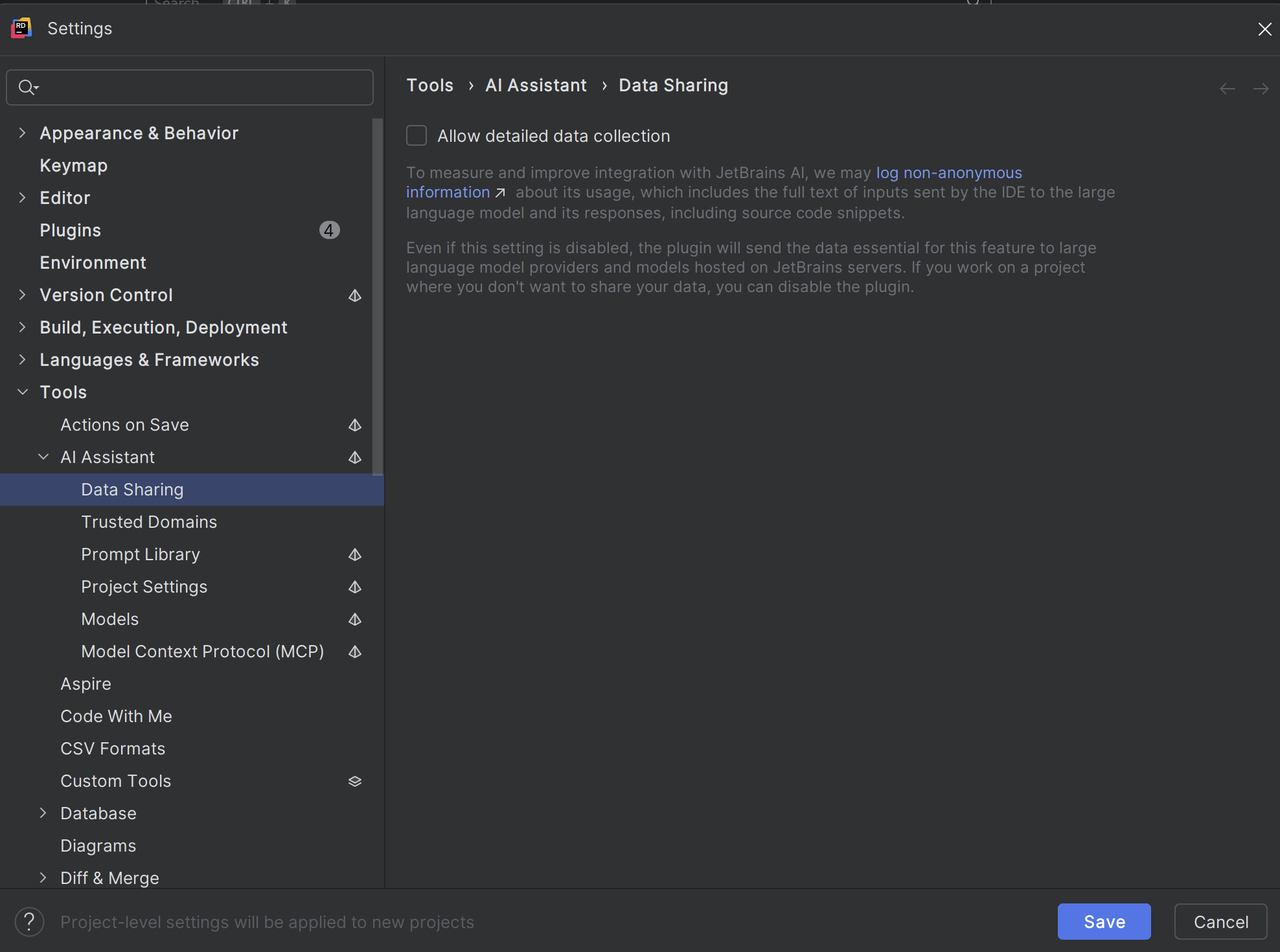
If you chose the non-Commercial license the ai logging is OPT OUT and we highly recommend going to the app settings and disabling it.
Now by double clicking a file in the project view it will open Rider with full syntax highlighting and auto complete