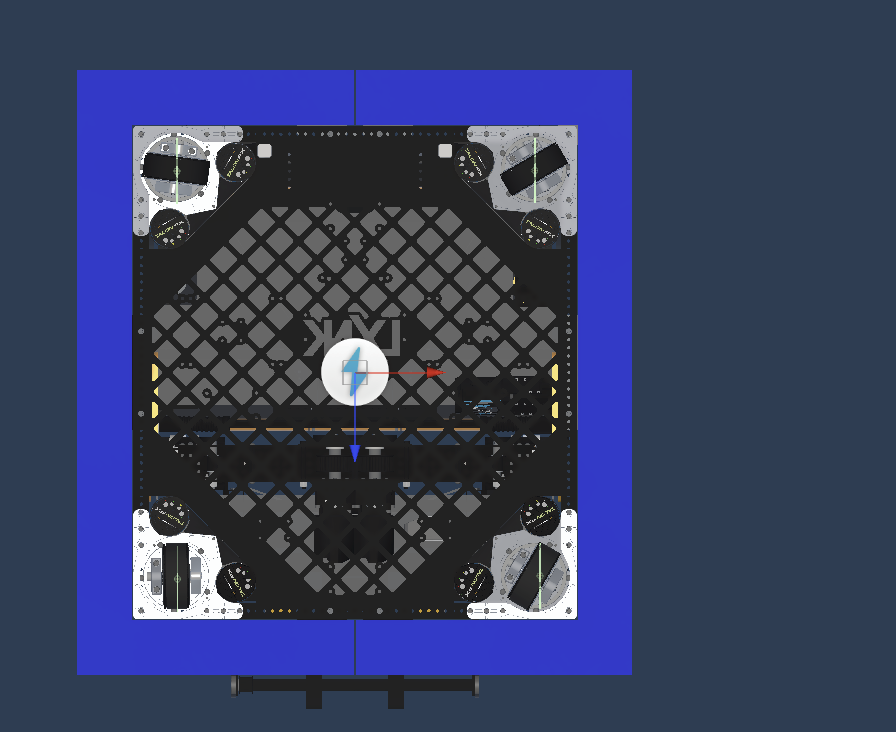
Colliders
Box tubing is easy. Click the model and add a box collider. Unfortunately, not everything can be done using a single box. In those cases you have to create compound collider children.
For stuff like the funnel though I highly recommend making a collider child alongside the Model child and doing them separately. Anything that interacts with a game piece tends to require tweaks from the real geometry.
There is also a number of materials available. For most things NO Bounce or noFricBounce is the best option.
Sometimes the box tube also doesn't behave, in these cases you have to make it a child compound collider as well.
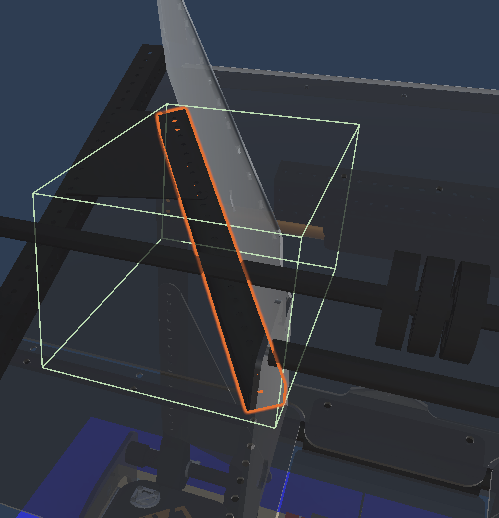
It is important to note that not everything has to have a collider, or a collider that follows its shape perfectly
Once those are done, select 9496 and set the layer to robot, select change all children when doing so.
Do this even if it's already robot layer
Now we can finish up by going to the bottom and moving the wheels to match the real robots.