Editor Components
Strip the root prefab down to this.
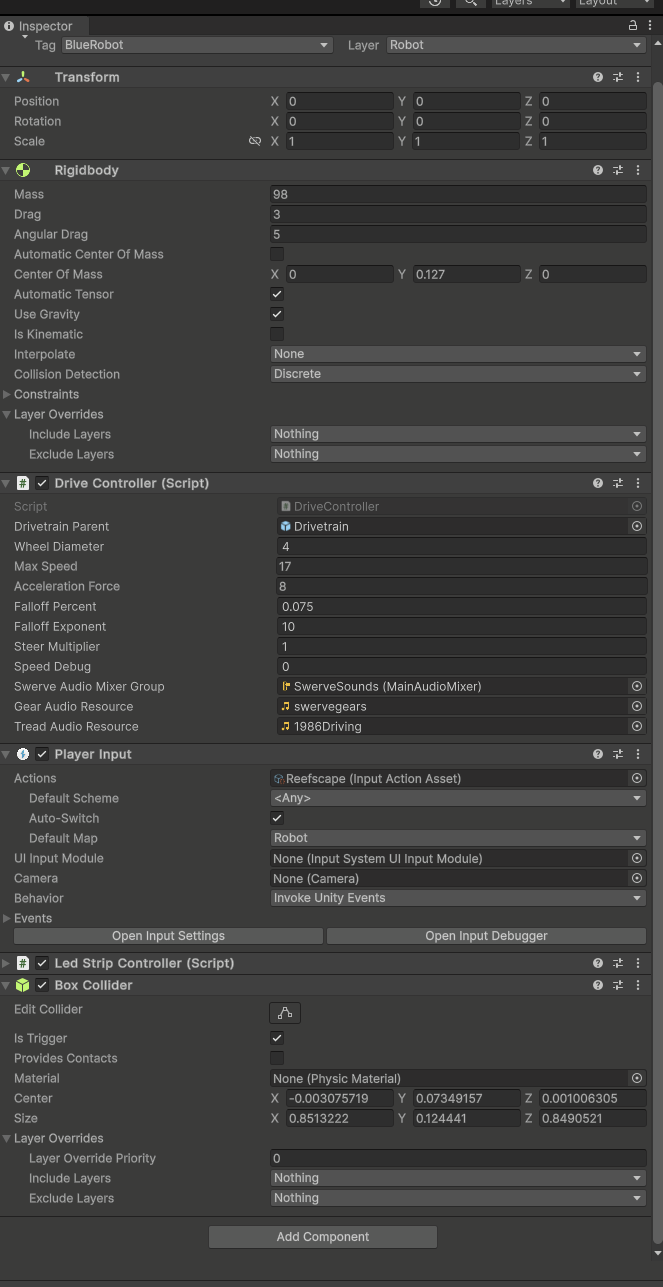
Add the Lynk script, a Generic Elevator, and Reefscape Robot game Piece Controller.
Now we need to set up our generic joints. Click Stage1, add a generic joint. This will add a number of things. Fill out the configurable joint as so. No need to touch anything else.
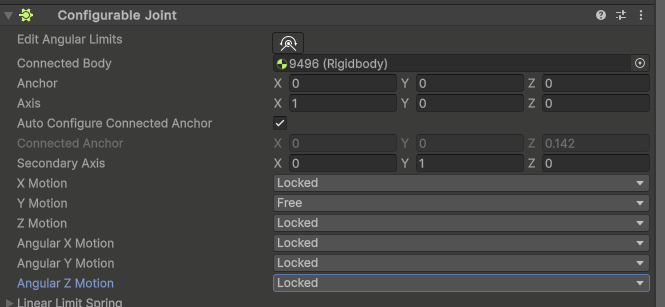
Do the same for Stage2, For continuous rigging they should all connect to the root, while cascade they connect to the previous stage, do the same for the algae arm, except leave angular X free instead of Y and connect it to stage 2. Same with the funnel pivot… (hopefully you get the point)
Returning to Generic Elevator, we drag Stage1 followed by Stage2 into the stages dropdown (order matters, that's how it determines following). Set the type to continuous. PIDs to 100, 0, and 0.1.
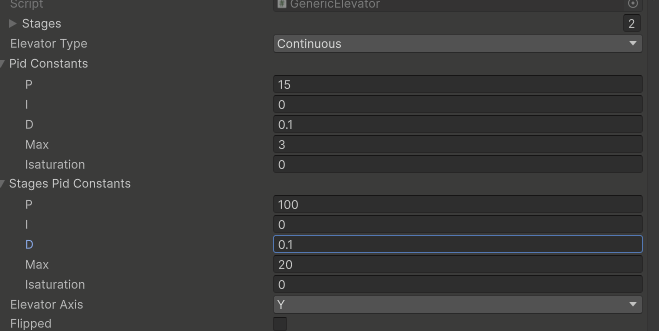
Set height to 36, overlap to 5 and carriage height to 8. Don't worry about the audio stuff for now.
Fill lynk out like so.
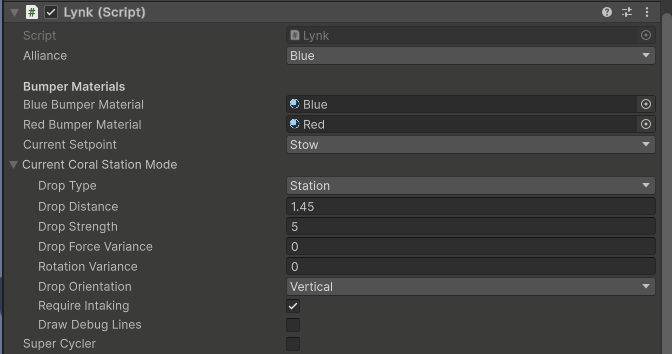
For the next step, a trick is to hit the little circle on the right. It will show all available options of that type, and is helpful for stuff you don't have a lot of.
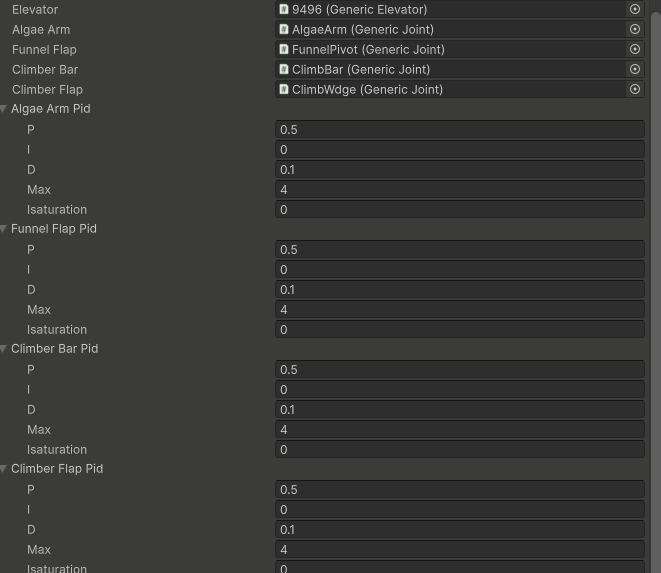
Now open the setpoints menu add the LynkSetpoint SO for each setpoint and set it up.
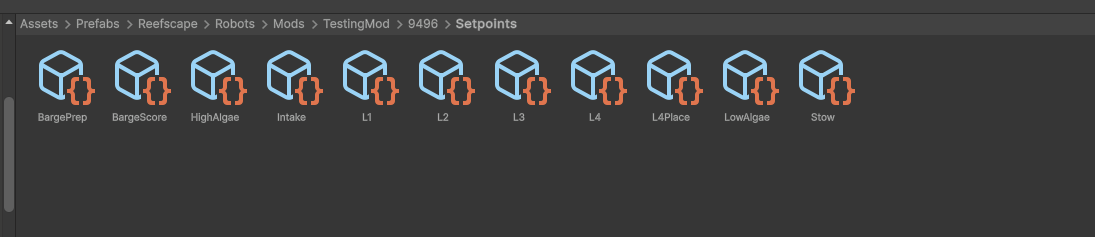
Now we can add intakes:
Go under Stage2 and create an empty named Coral Intake. Unfortunately, coral refuses to cross any kind of gap, so we will need to play games with it.
Set the intake collider to the box collider on it, an intake speed of 118, a force of 80, a max distance of 5 and an accuracy of 0.75. Also check smooth handoff.
Add a reefscape Game Piece Intake and a box collider
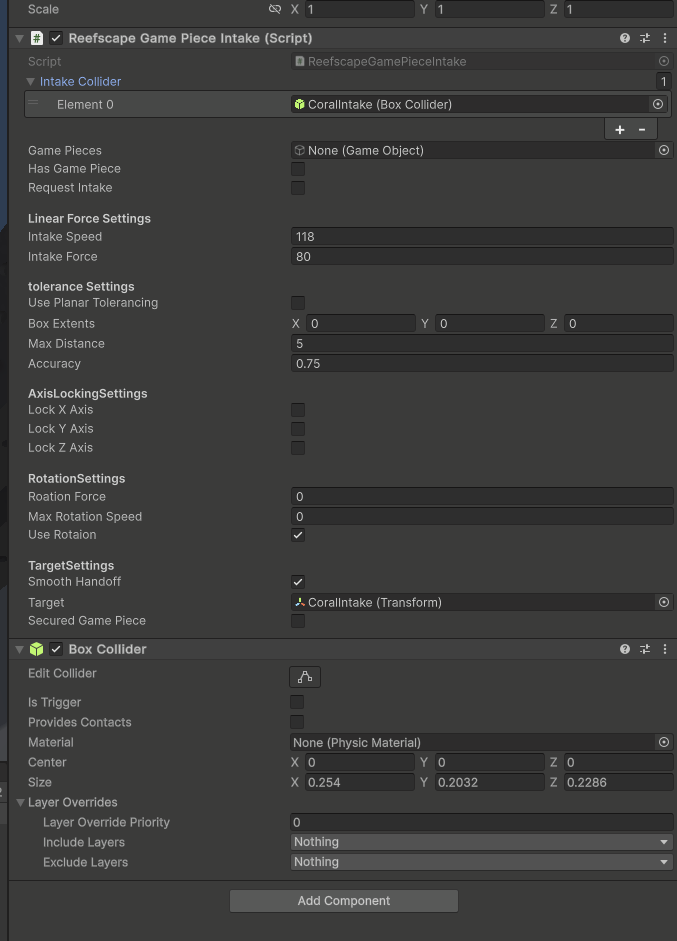
Don't forget to click is trigger on the box like I did here
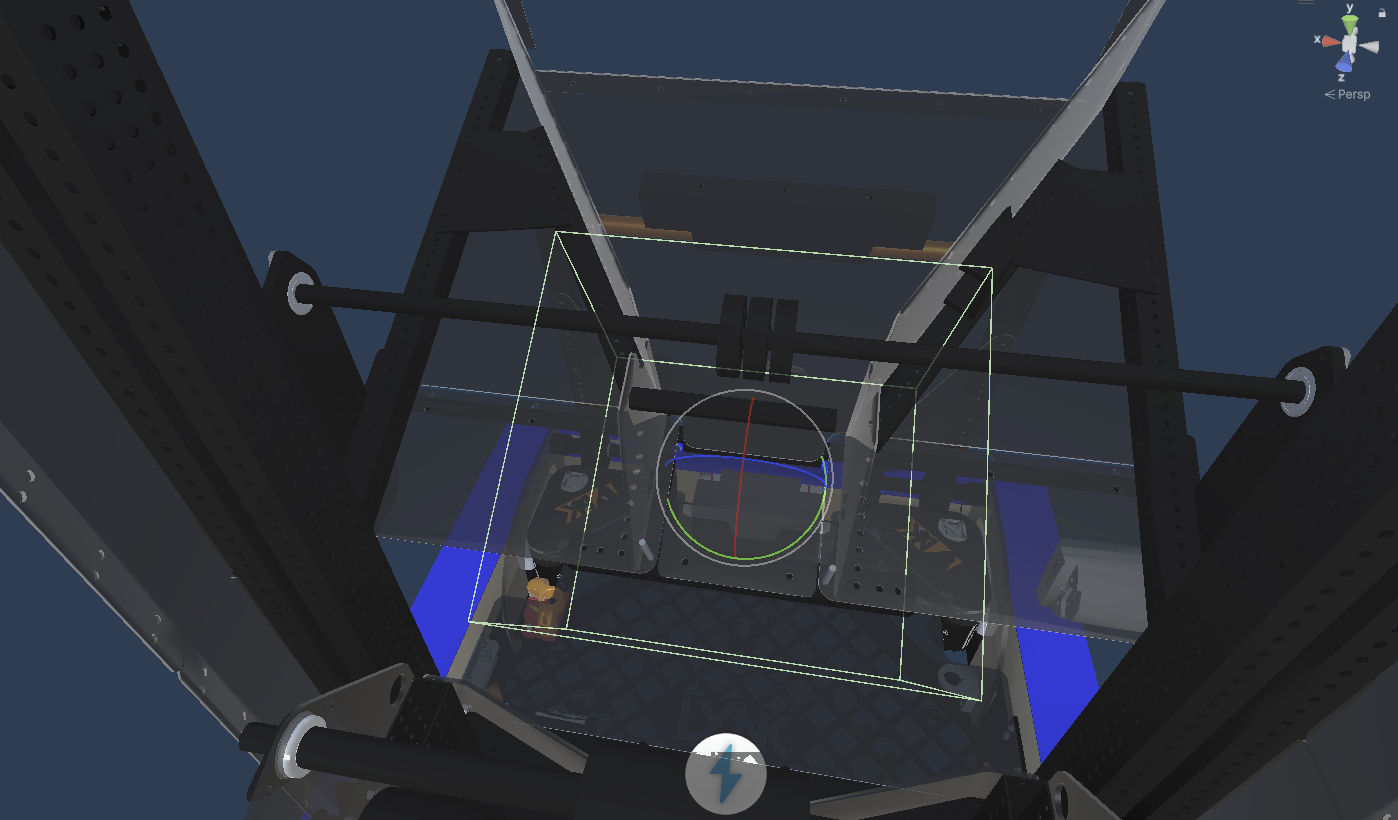
Now setup the algae intake one
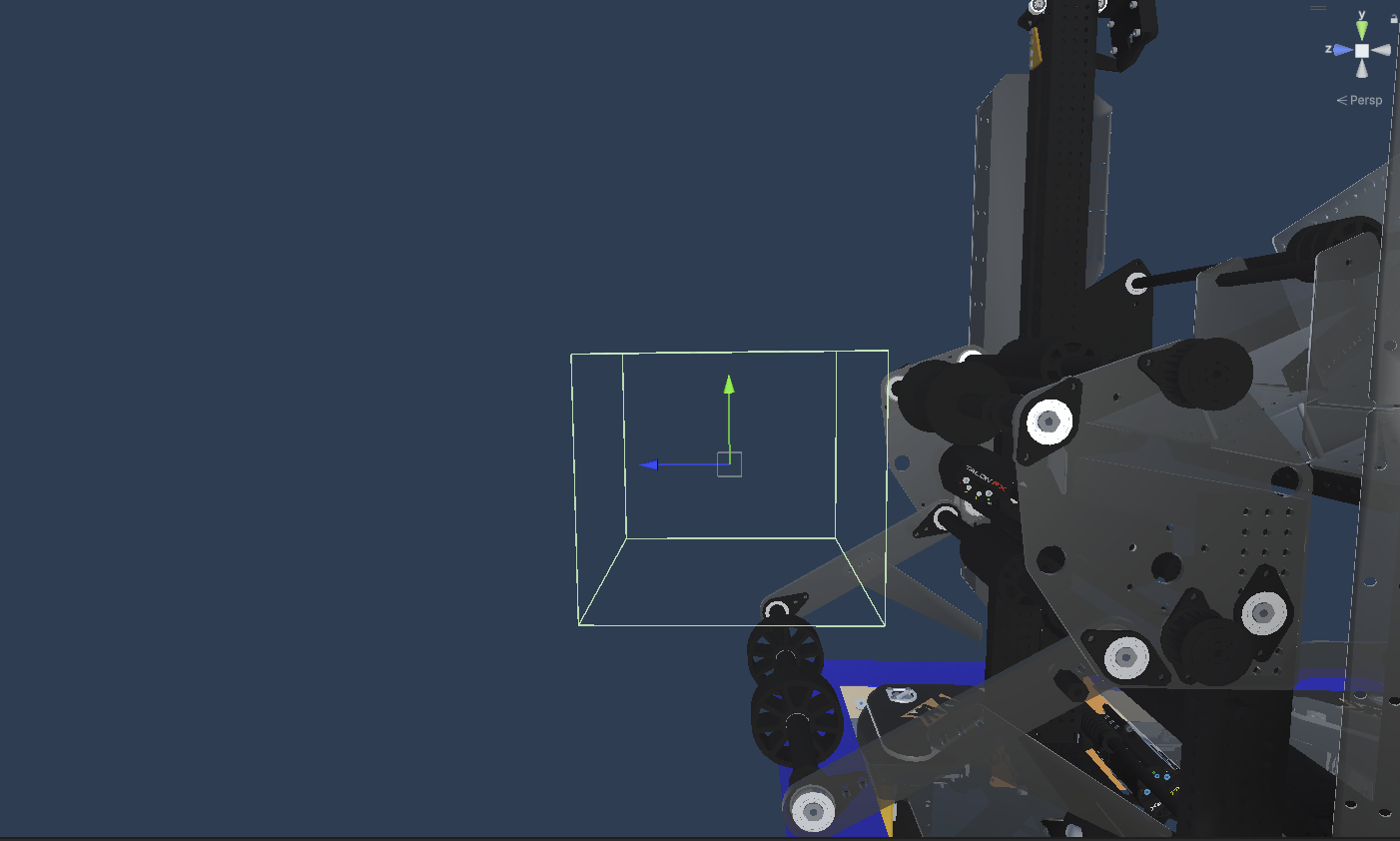
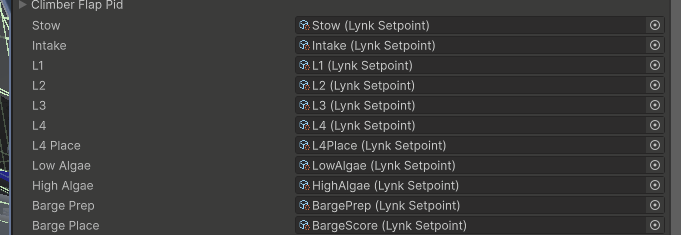
Return to Lynk and assign those.
Now setup the game piece states.
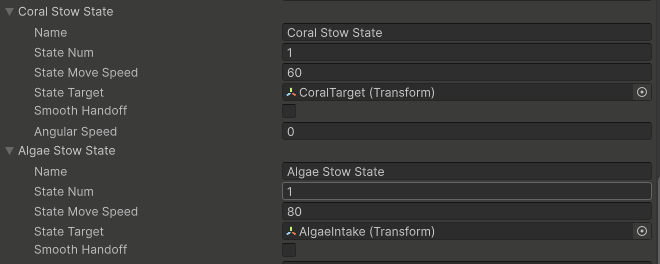
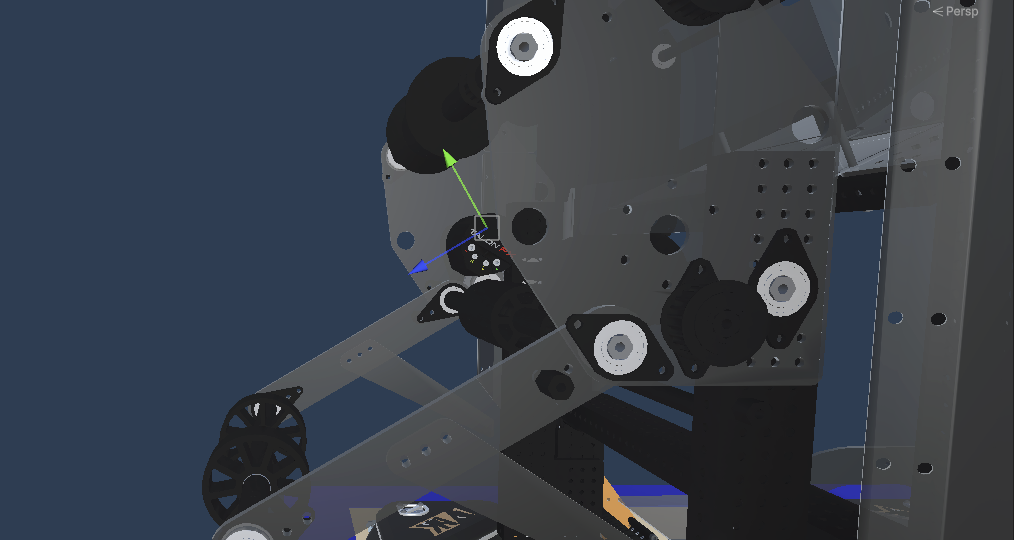
Now we can save and go to the reefscape scene.
Find Robot Spawn controller.
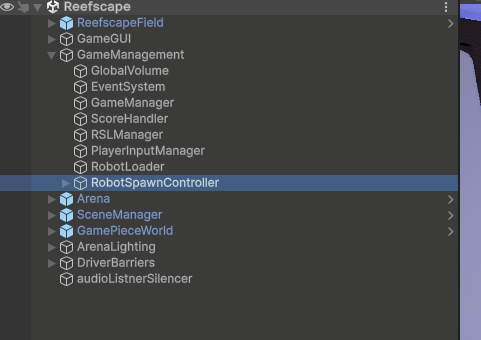
Set the robot override to the correct robotSO
Now when you click play the robot should spawn!.